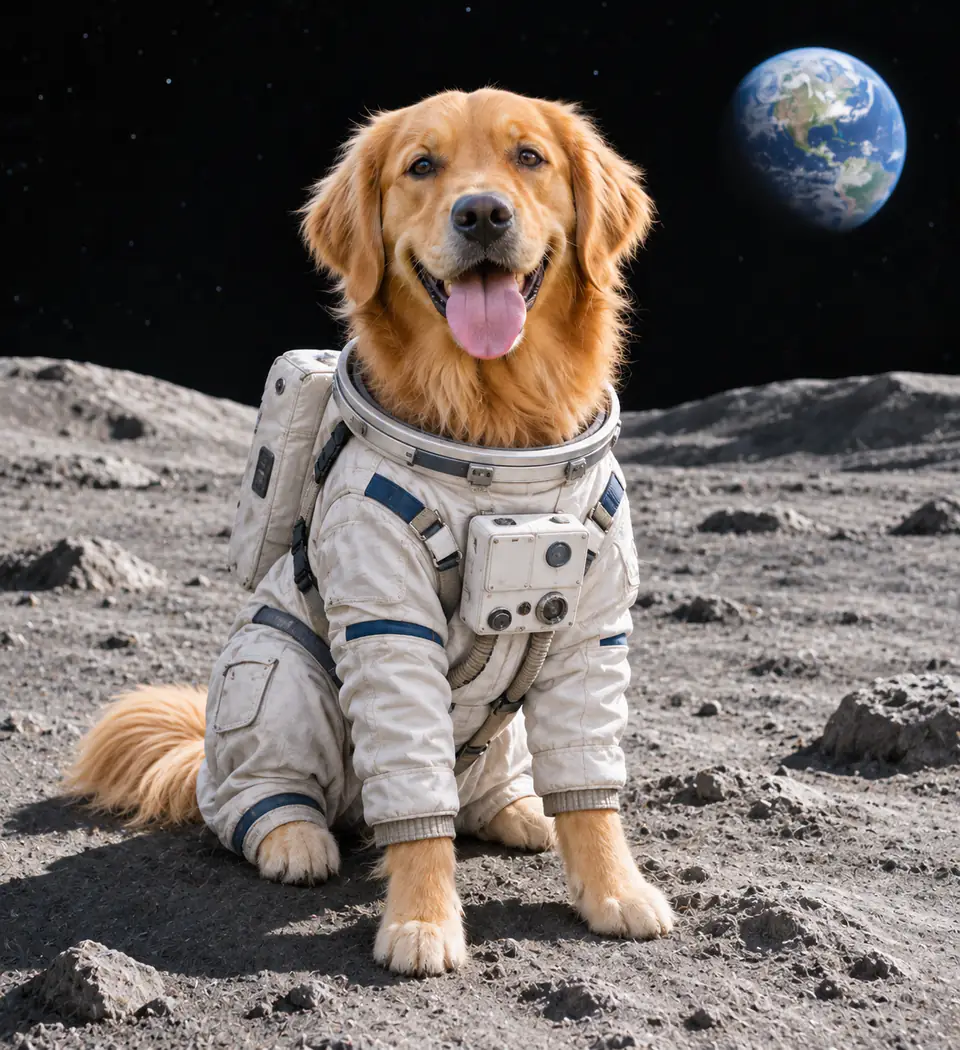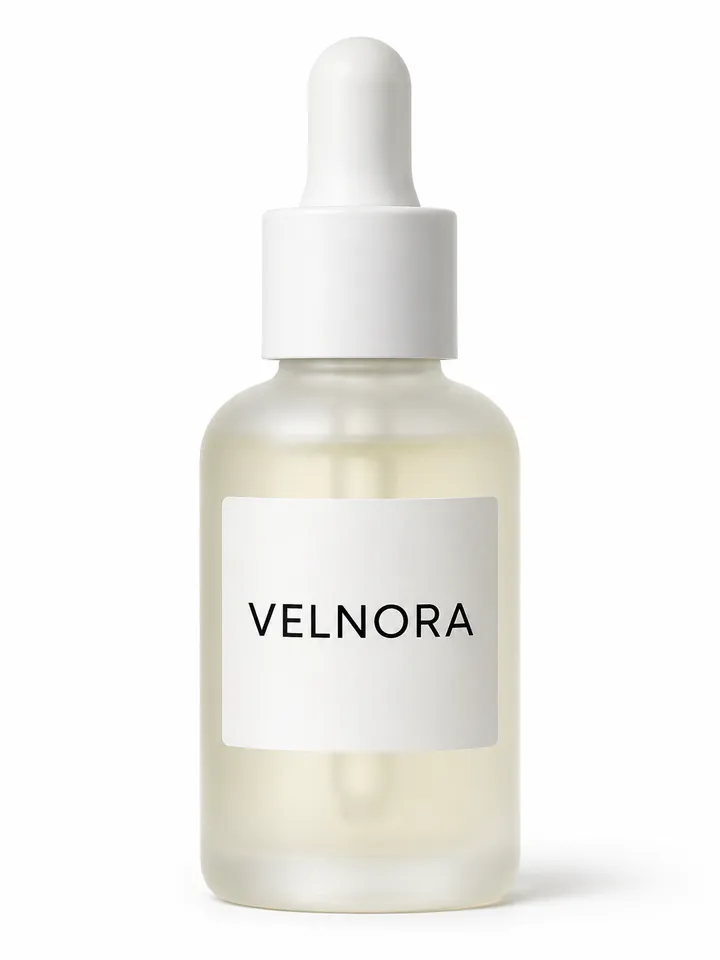
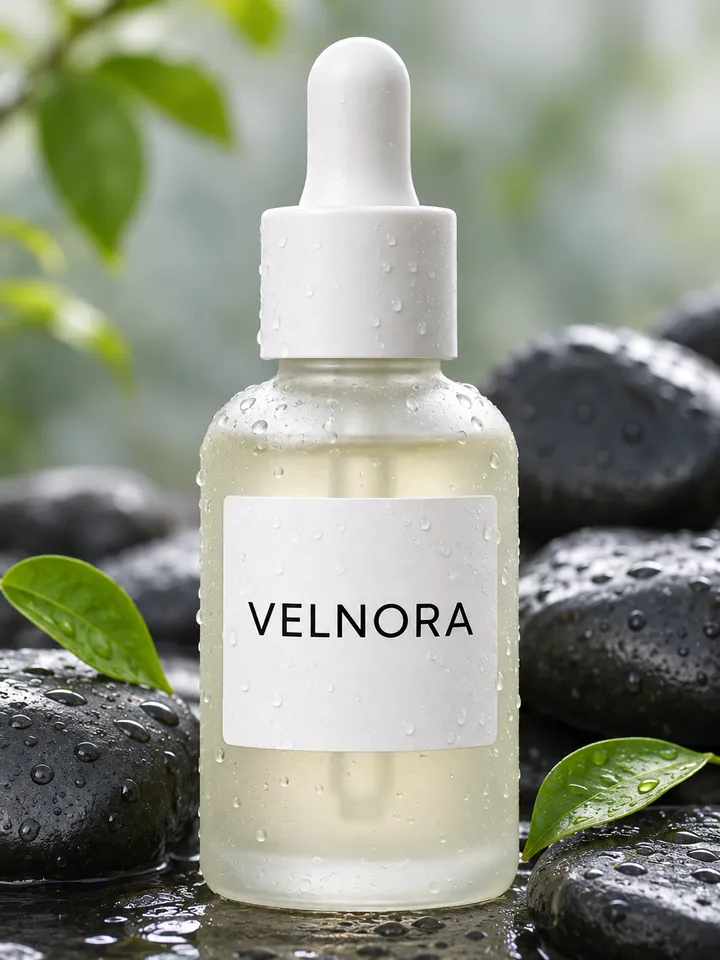
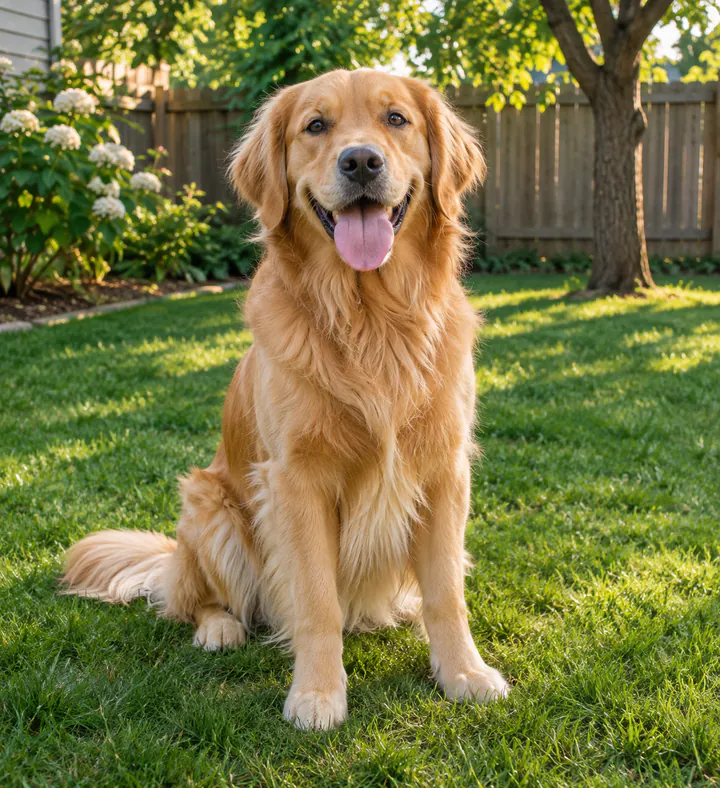
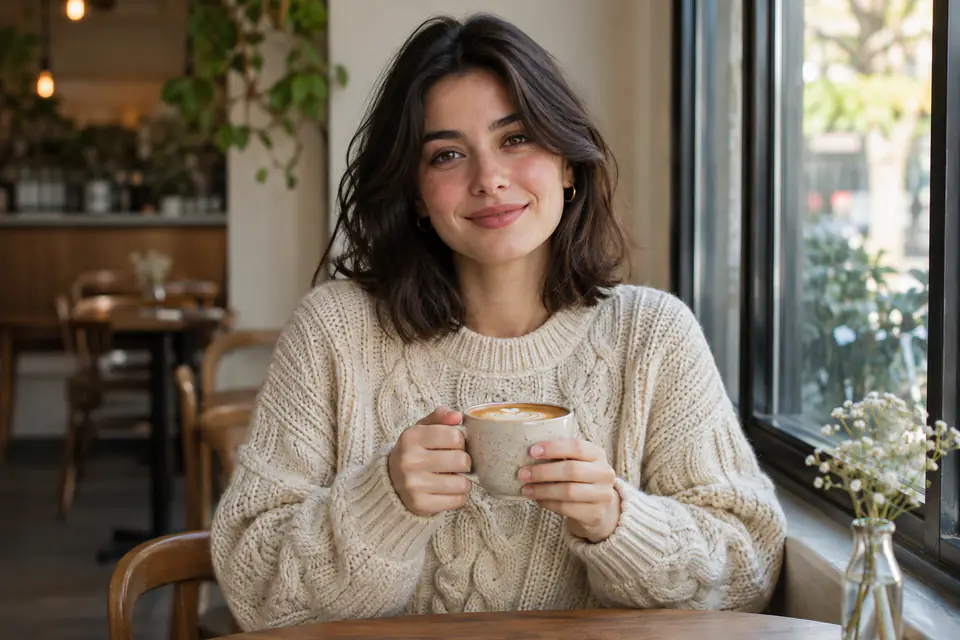
 Before
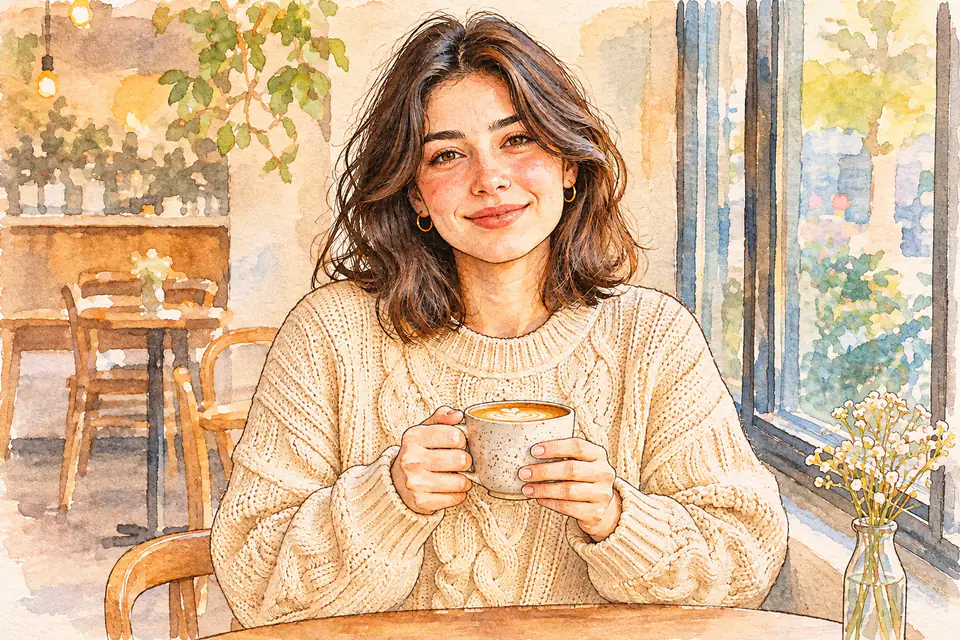 After
Watercolor Portrait
PromptTurn this photo into a hand-painted watercolor illustration with soft washes and visible paper texture.
Upload a photo, describe what to change, and AI redraws it for you.
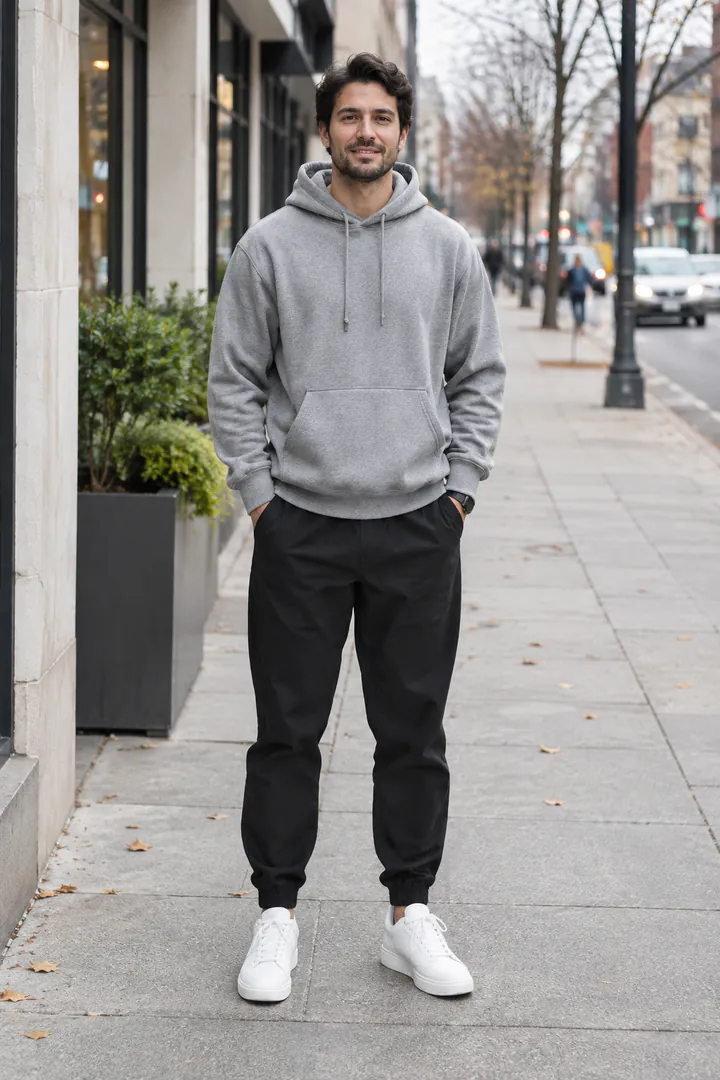
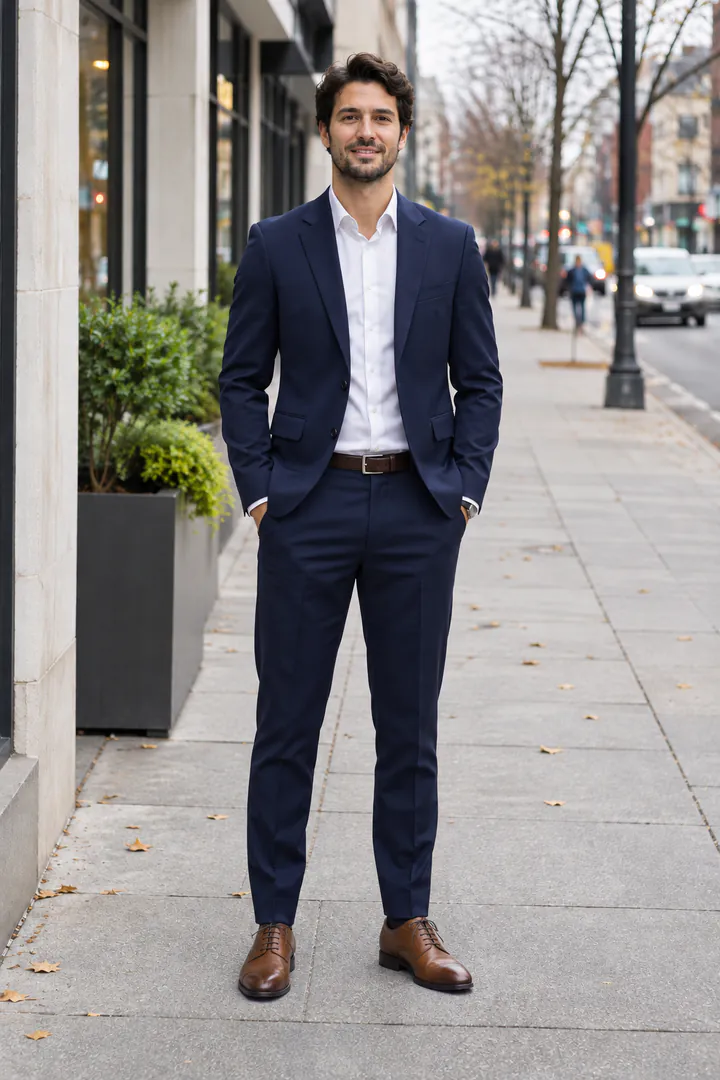
PromptChange his outfit to a tailored navy suit with a white shirt and brown leather shoes.
See what AI image to image can do with one photo and one sentence. Each example puts the original next to the result. Click Use this prompt to try the same edit on your own picture.
BeforeAfterPromptTurn this photo into a hand-painted watercolor illustration with soft washes and visible paper texture.
 Before
 After
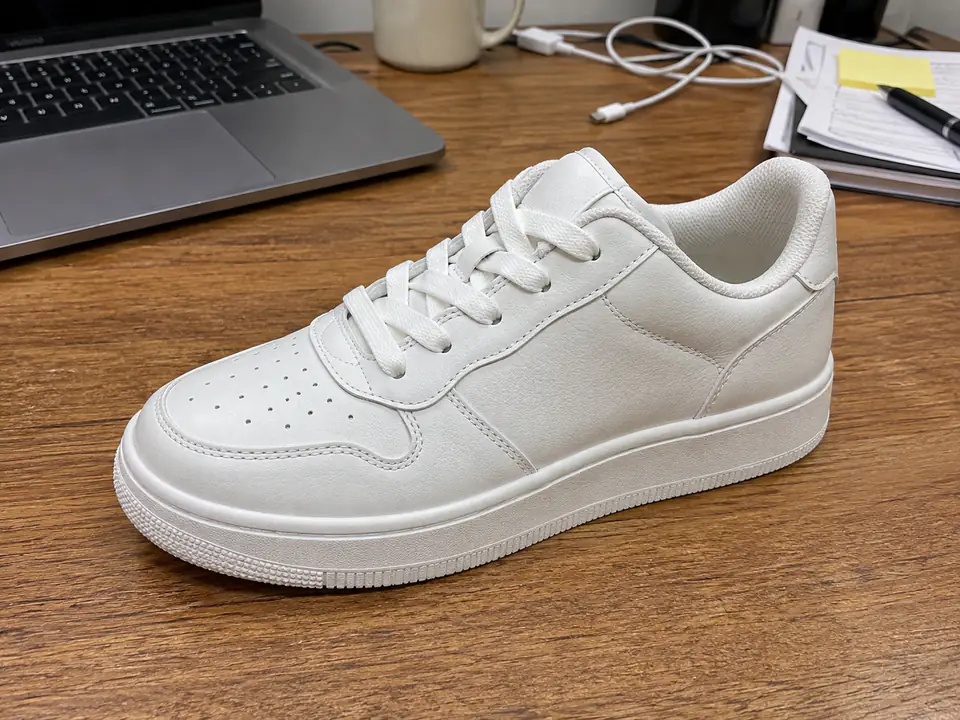
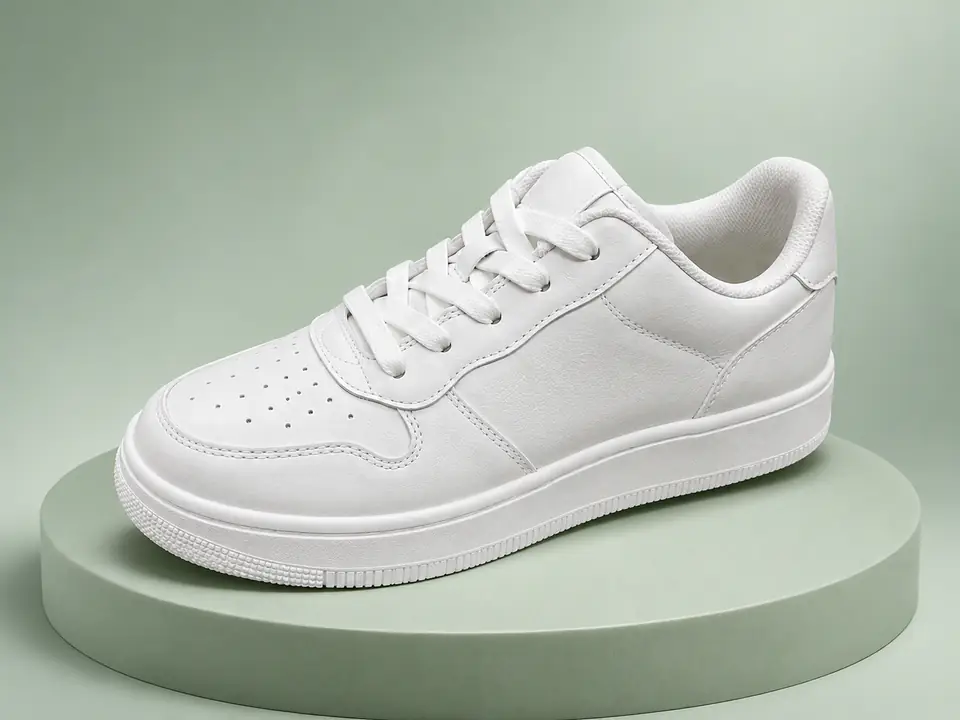
PromptReplace the background with a pale sage-green podium and a soft studio backdrop.
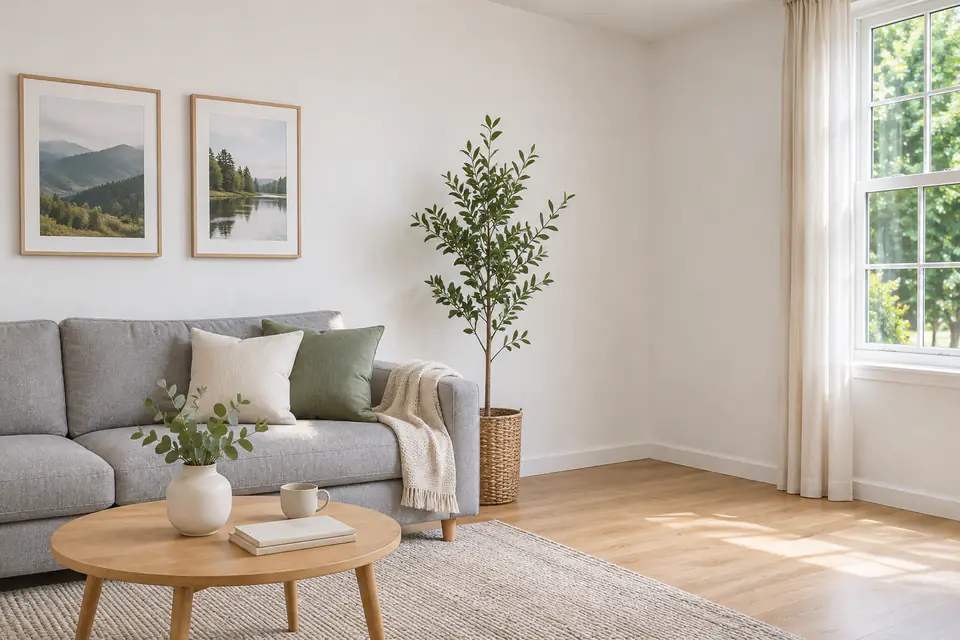 Before
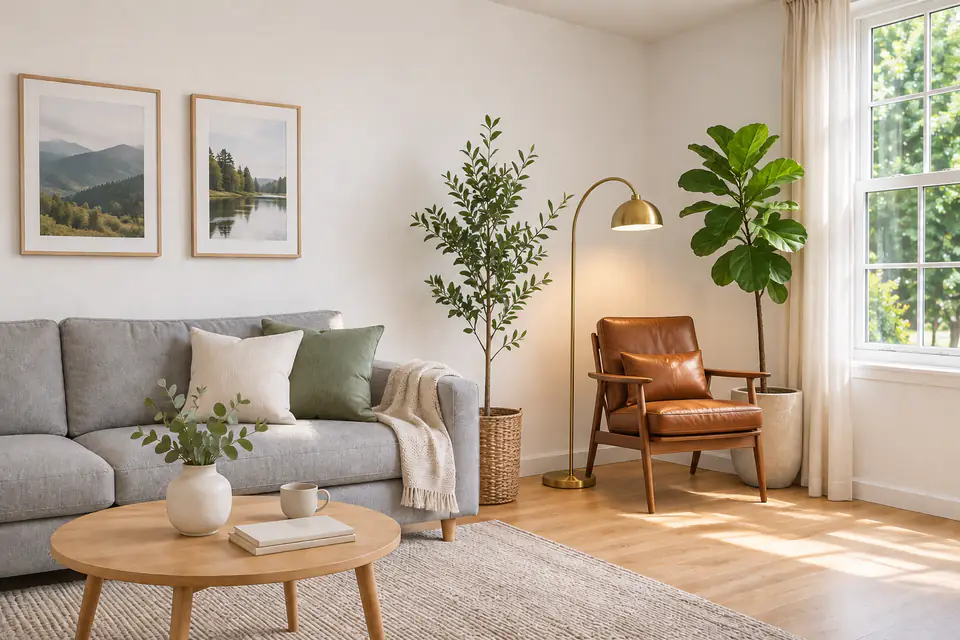 After
PromptAdd a walnut lounge chair, a brass floor lamp and a tall plant to the empty corner.
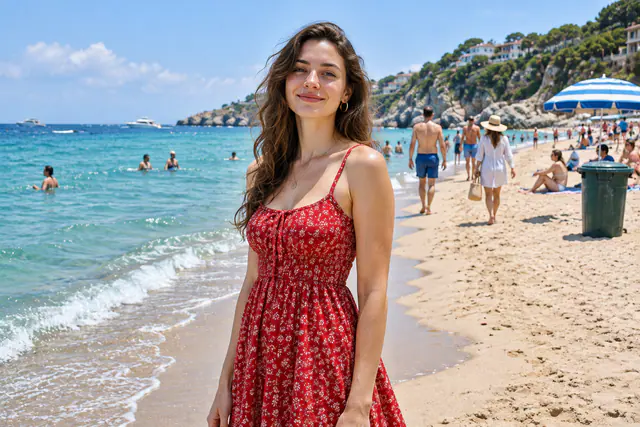 Before
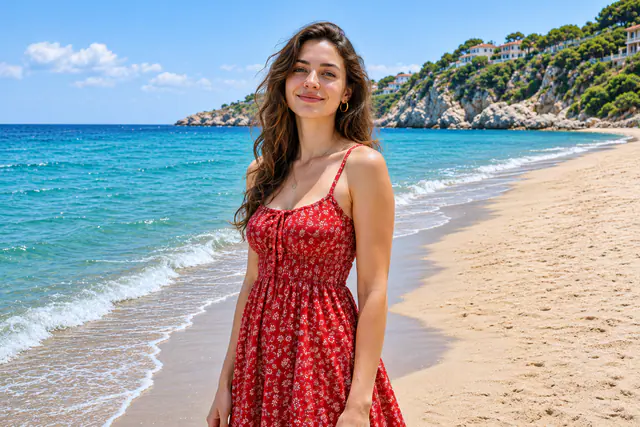 After
PromptRemove all the other people, the beach umbrella and the trash bin. Keep the woman exactly the same.
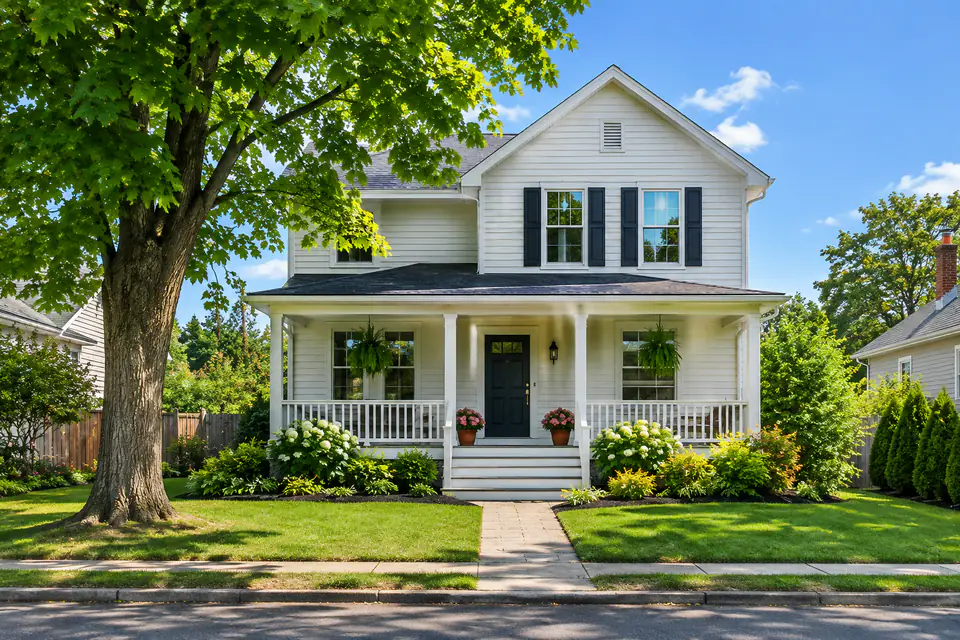 Before
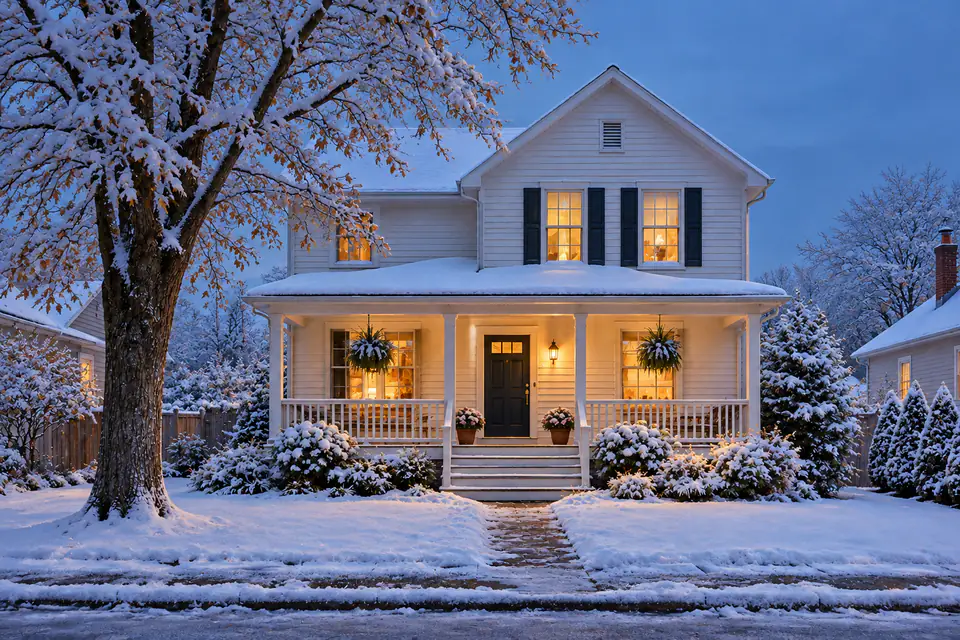 After
PromptChange the season to a snowy winter evening with warm light in the windows.
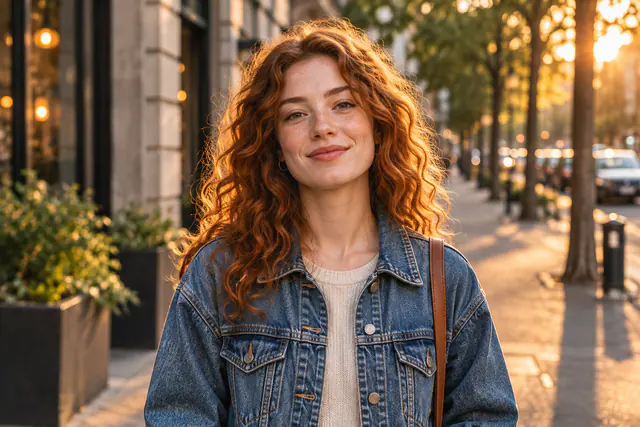 Before
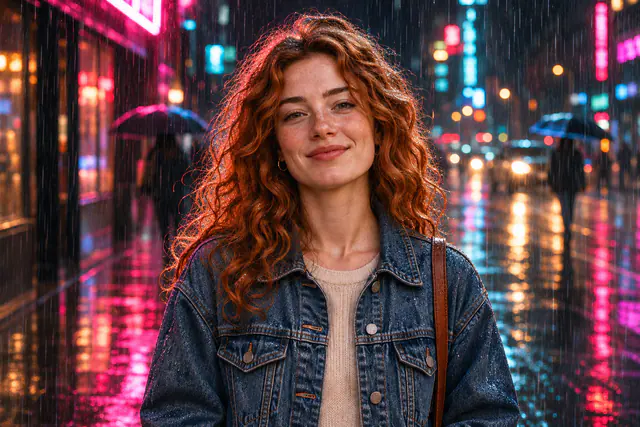 After
PromptChange the scene to a rainy night in a neon-lit city with reflections on the wet street. Keep her face, hair and jacket the same.
AI image to image is a way to create a new picture from one you already have. You upload a photo, describe what should change, and an AI model redraws it while keeping the parts you want, such as a face, a product, or the layout.
Traditional photo editing asks you to select areas, build masks, and blend layers by hand. With image to image AI, you describe the result in plain English instead. The model reads your photo and your words together, then paints a new version that follows both.
That makes AI image to image useful for edits that are slow or difficult in a normal editor. You can change a background, swap clothes, restyle a photo as a painting, or put the same character in a new scene. Most edits need only one sentence.
Text to image starts from words alone, so every result is a brand-new picture. AI image to image starts from your photo, so the person, product, or room you upload stays recognizable. Use text to image AI when you have an idea but no picture, and use image to image when you want to change a picture you already have.
OriginalResultYou need a free AnyVisual account to use the AI image to image generator. Every new account gets 4 credits, which is enough for 2 images with Nano Banana 2.1.
 Add2/4
JPG · PNG · WebP · 10 MB
Drag in, paste, or browse for up to 4 images in JPG, PNG, or WebP format, up to 10 MB each. Image to image AI gives the best results with a clear, well-lit photo and a visible subject. Add more images when you want to combine a person, an outfit, and a background.
Remove all the other people, the beach umbrella and the trash bin. Keep the woman the same.
Write one clear instruction, such as "Replace the background with a sunny beach." Say what should change and what should stay the same. You can also start from a preset like Restyle, Background, or Remove object, then edit the text.
Pick a model, aspect ratio, resolution, and the number of images. The Generate button shows the exact credit cost before you start. When the result appears, compare it with your original, download it, or click Edit this to keep refining it.
One photo and one sentence cover a wide range of edits. Here are eight common ways people use AI image to image.
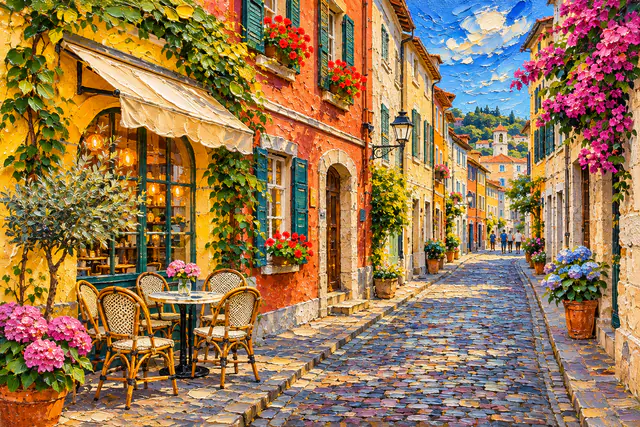
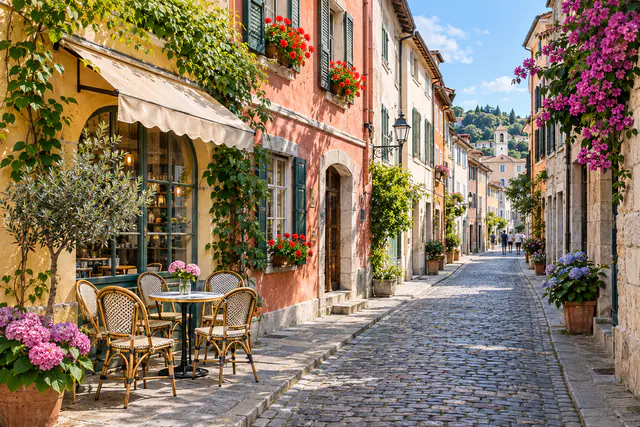
Repaint a photo as an oil painting, a watercolor, a pencil sketch, or an anime frame. The composition stays the same, so the artwork still looks like your original scene.
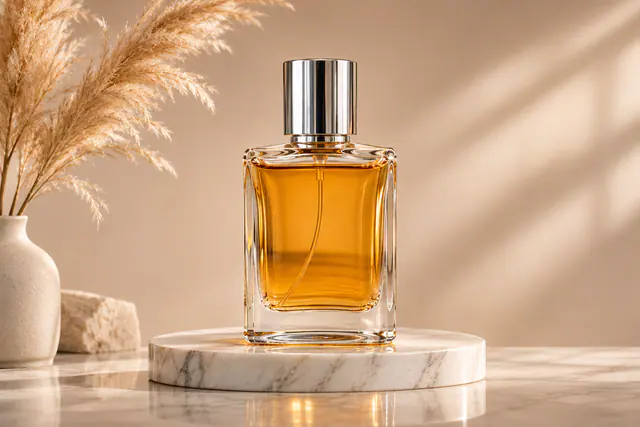
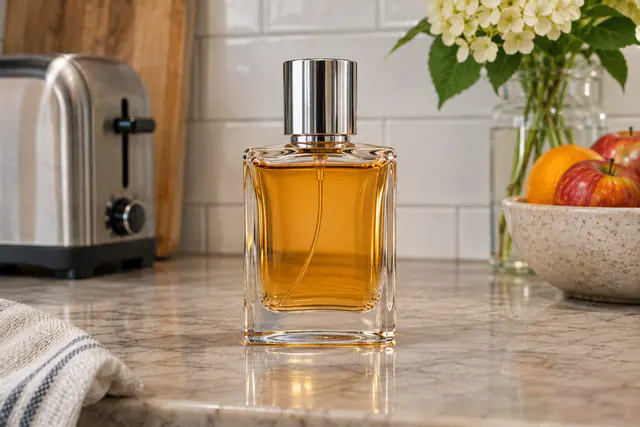
Move a person or a product to a new place without a new photo shoot. Describe the setting and the light, and the model blends your subject into it.
Clear tourists, cables, signs, or clutter from a shot. Name what to remove, and the space is filled with matching sand, wall, sky, or floor.
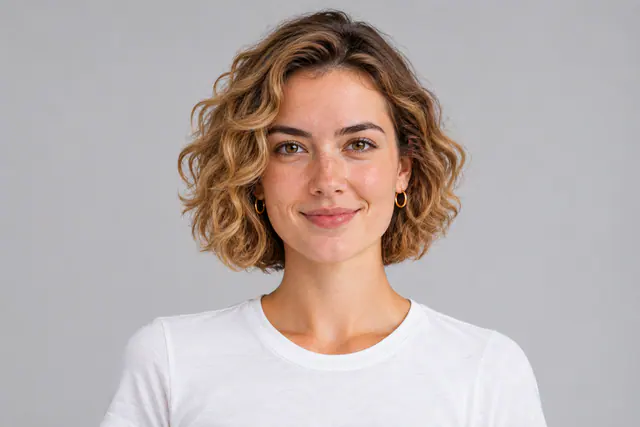
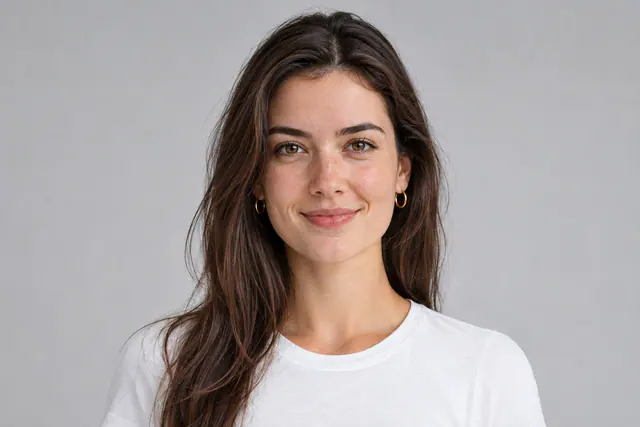
Preview a new haircut, hair color, or outfit on a real photo before you commit. Add a second image of a garment to show the exact piece you have in mind.
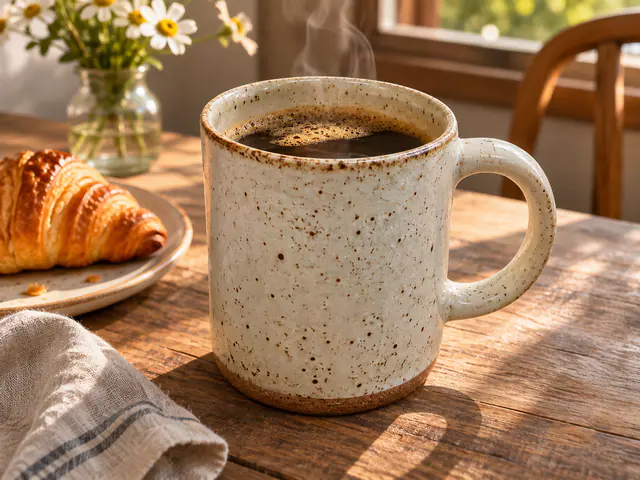
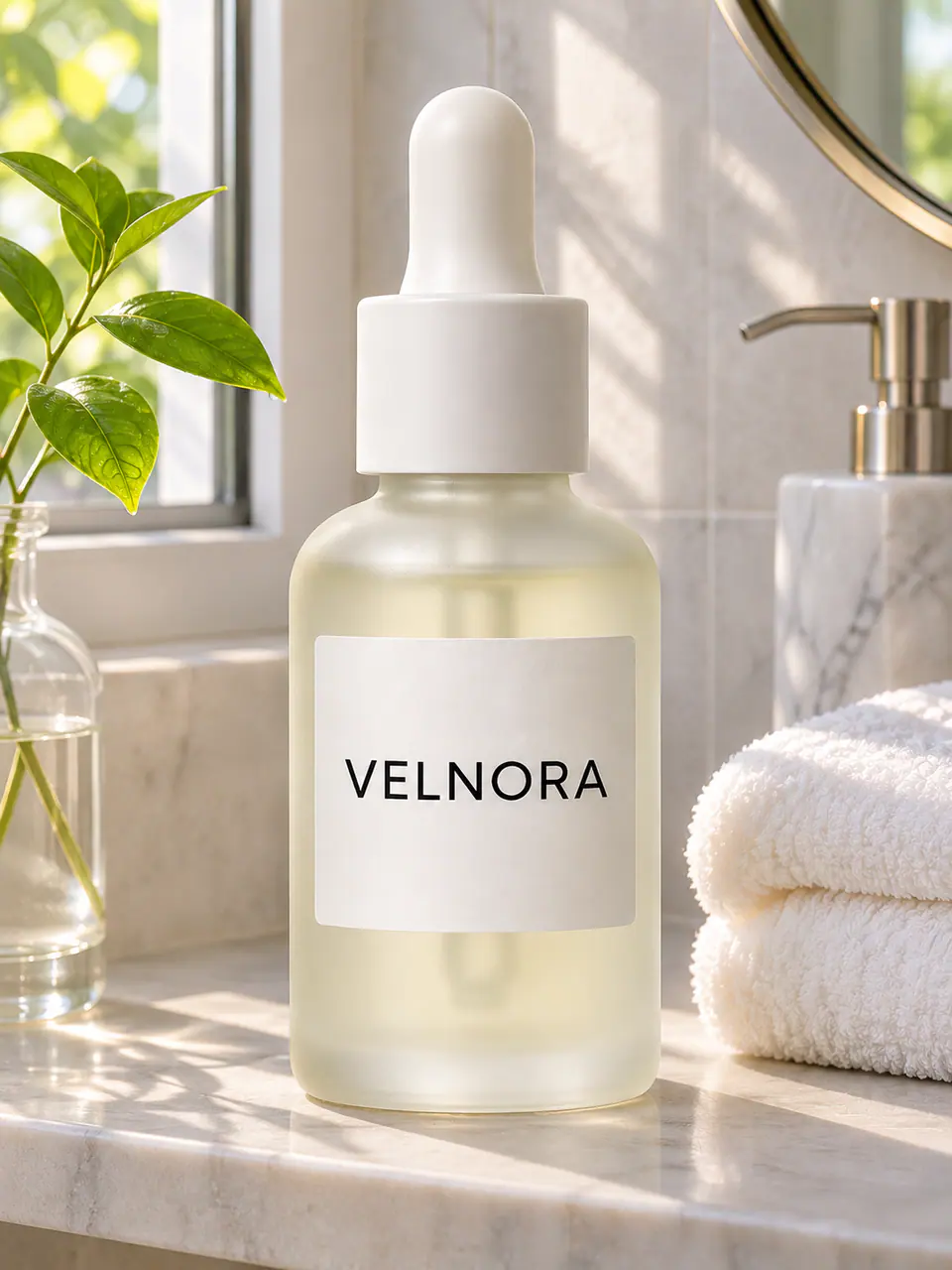
Turn a quick phone snapshot into a clean studio shot or a lifestyle scene. Ask the model to keep the product's shape, color, and label unchanged.
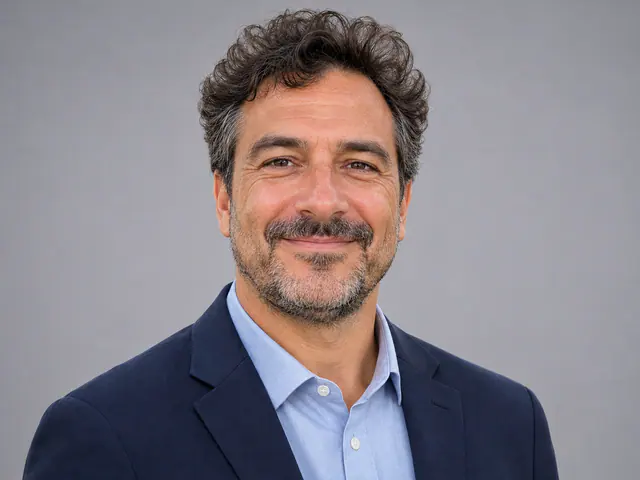
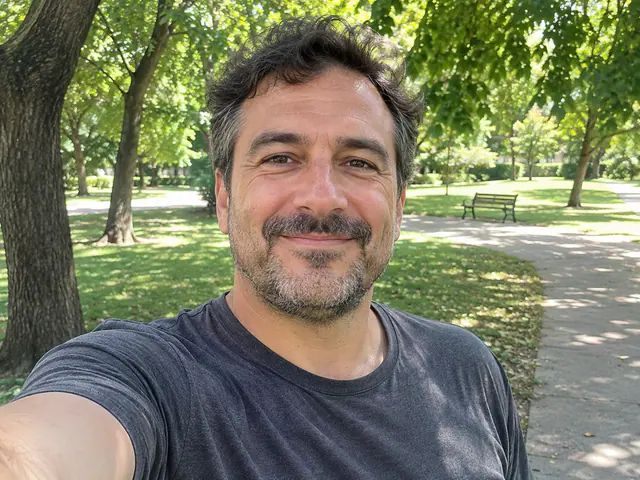
Turn a casual selfie into a polished headshot with a plain backdrop, even light, and business clothes. Your face and expression stay recognizable.
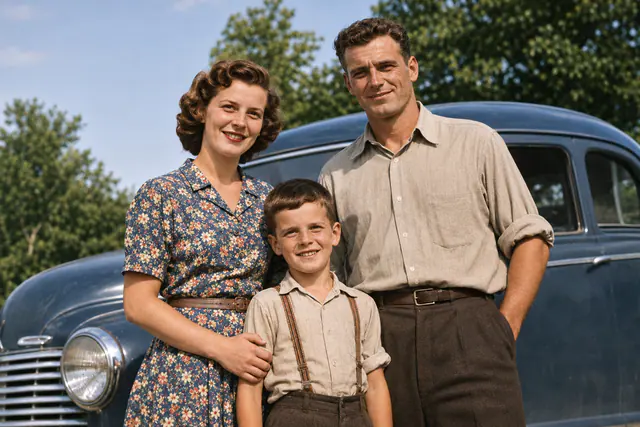
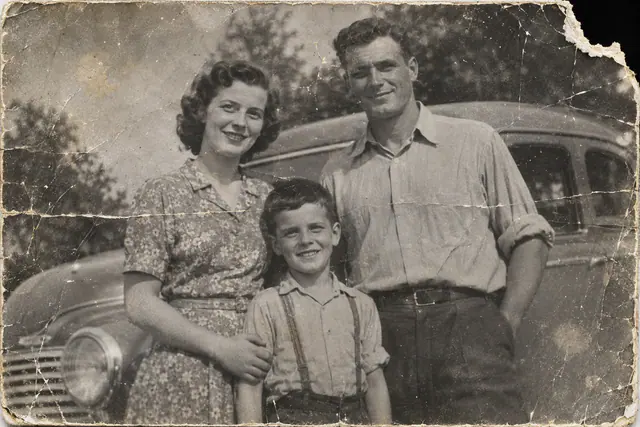
Remove scratches, creases, and dust from a scanned print, sharpen faces, and add natural color. AI image to image is an easy way to bring old family photos back to life.
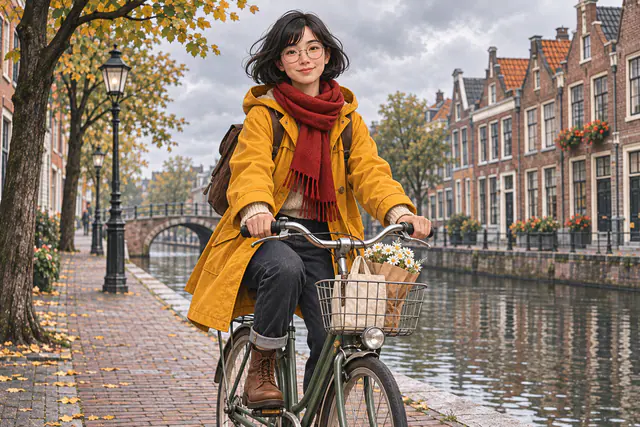
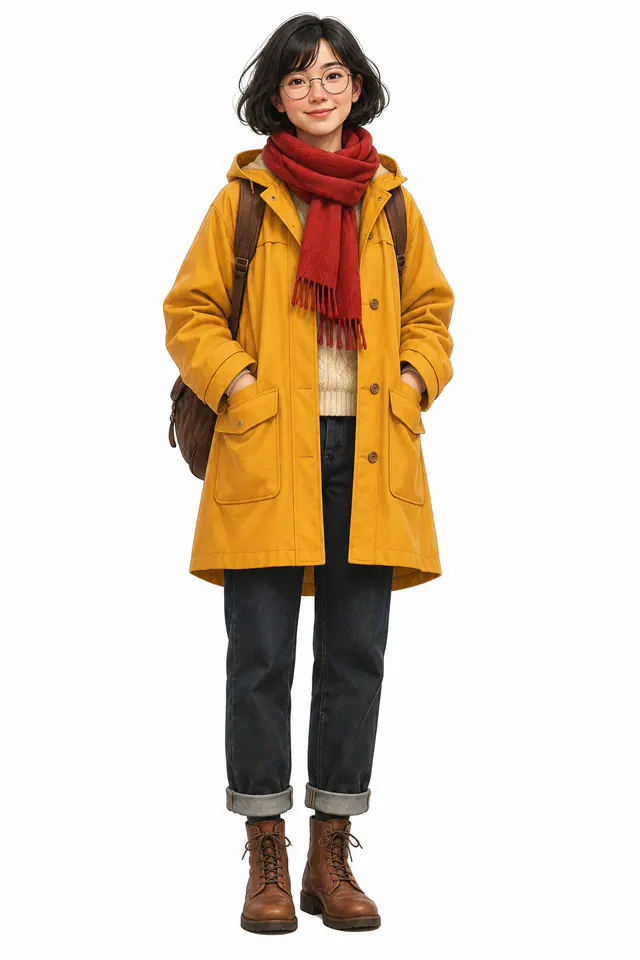
Upload one image of a character and place them in new scenes with the same face, hair, and clothes. This works well for stories, comics, and brand mascots.
AnyVisual is built for quick, controlled edits. These four features make AI image to image easier to use for real work.
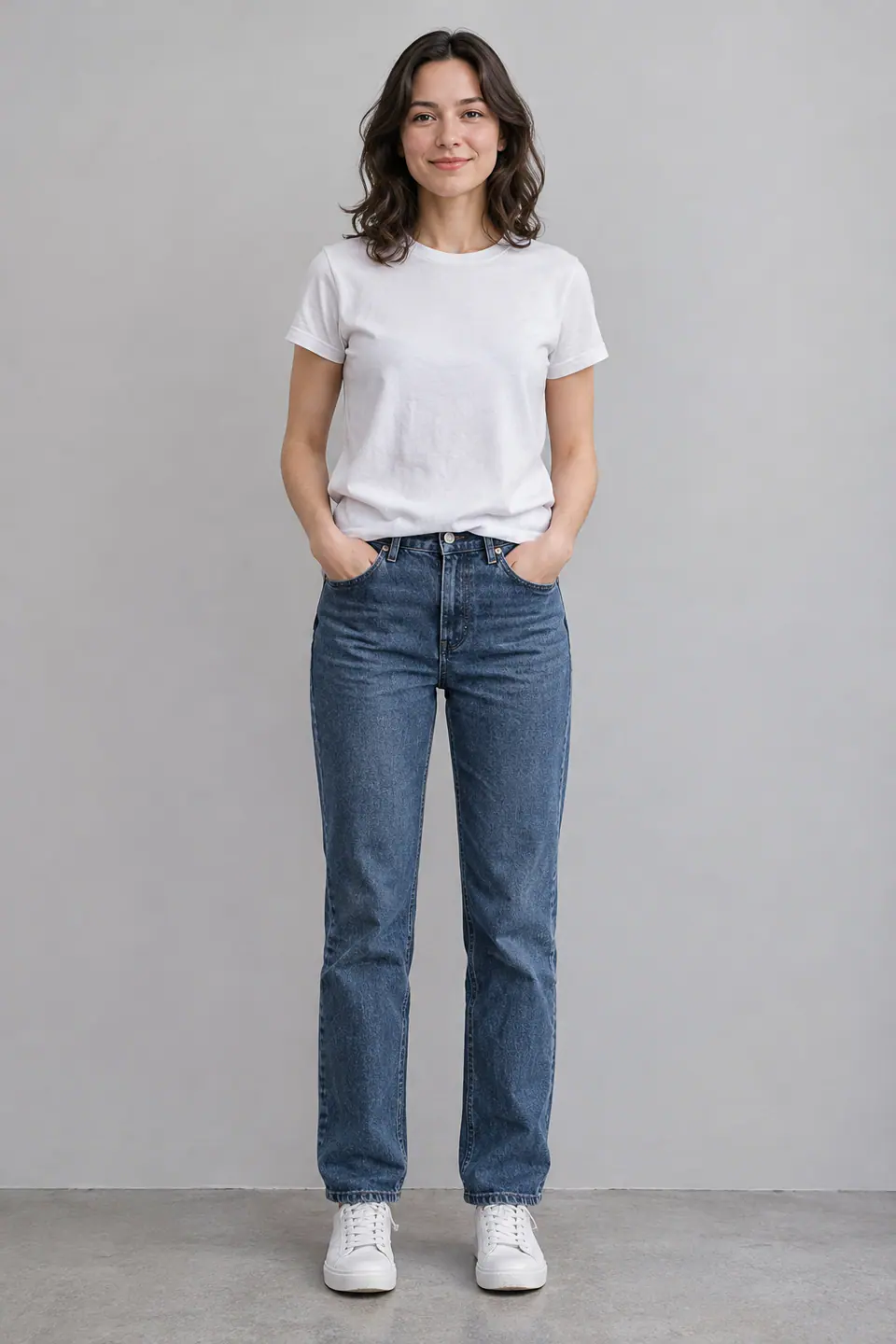
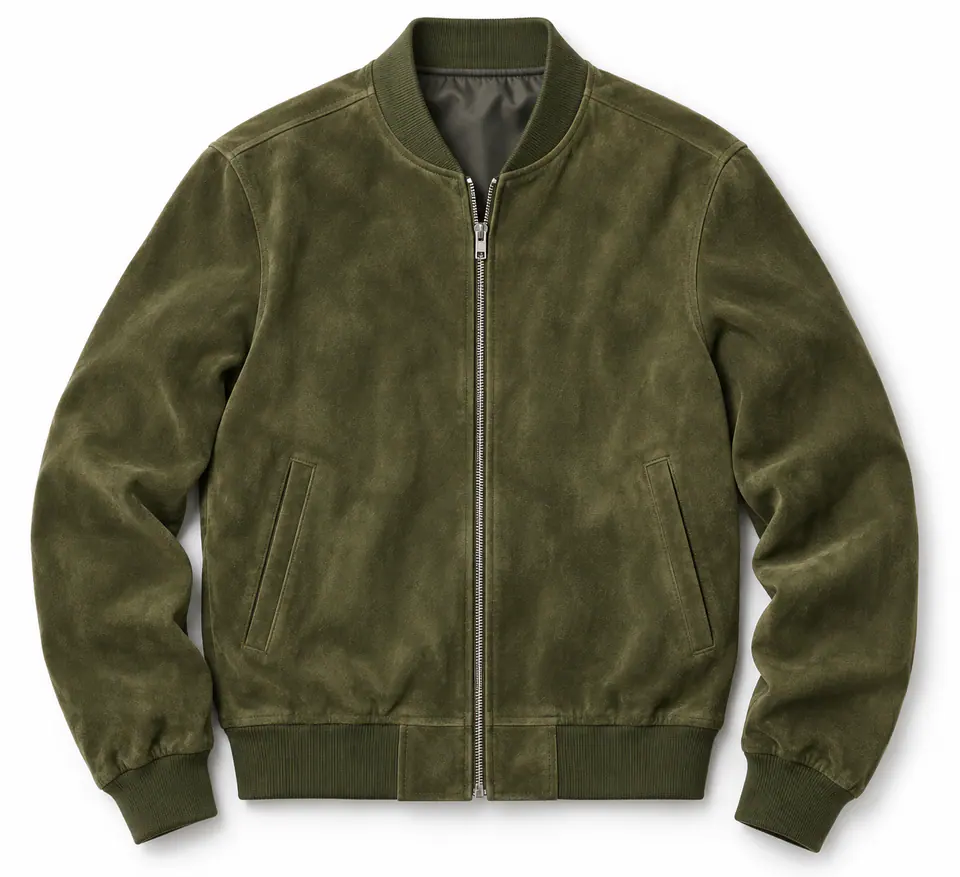
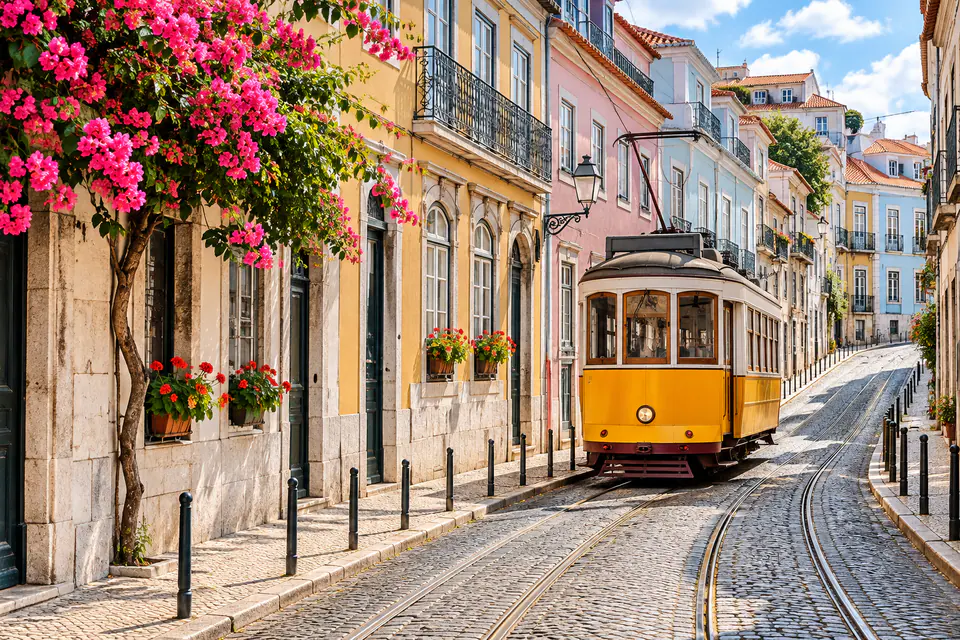 References
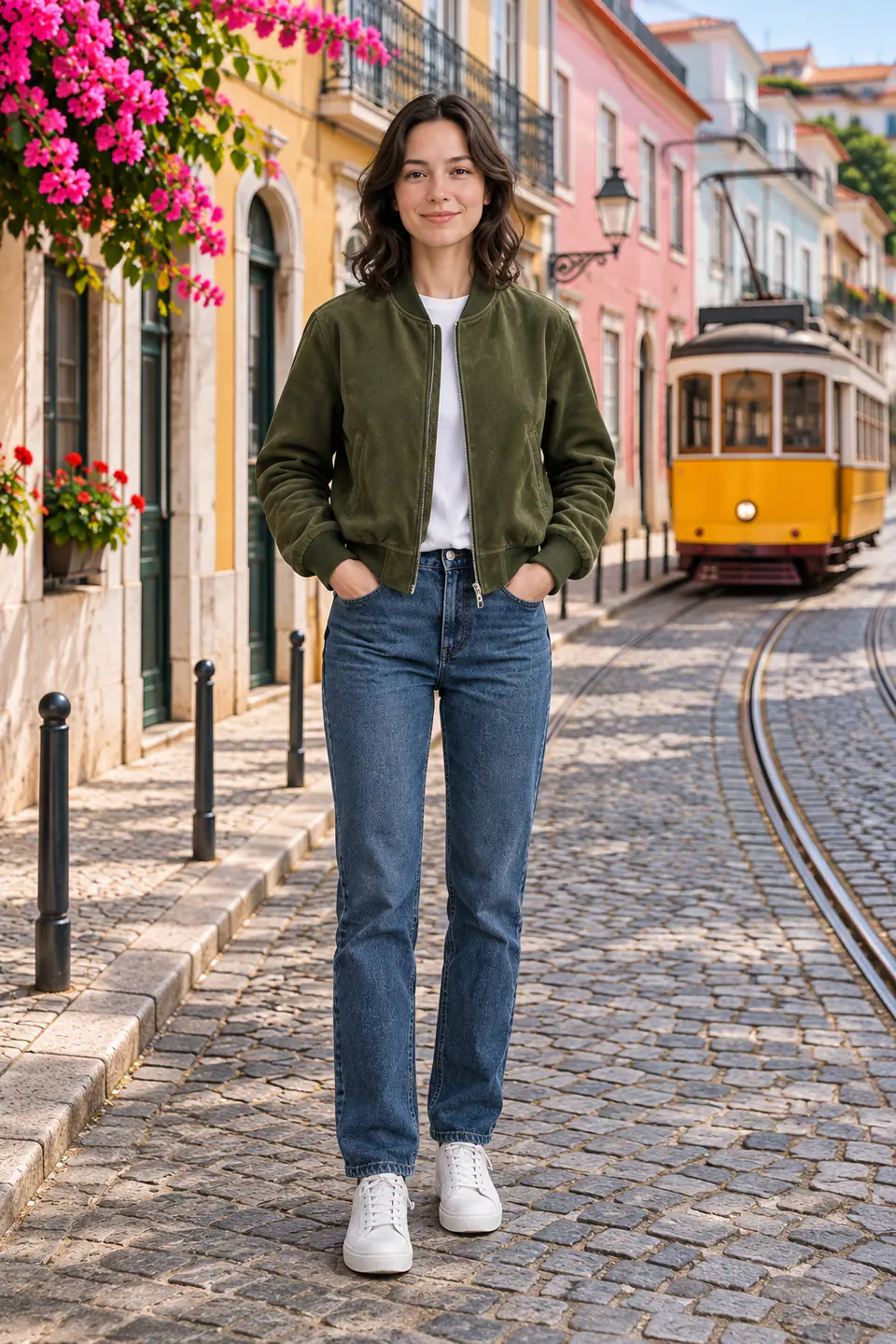 Result
Upload a person, a jacket, and a street, then ask for the person wearing the jacket on that street. Each extra image gives the model more to work with, so you can build one scene from separate pieces.
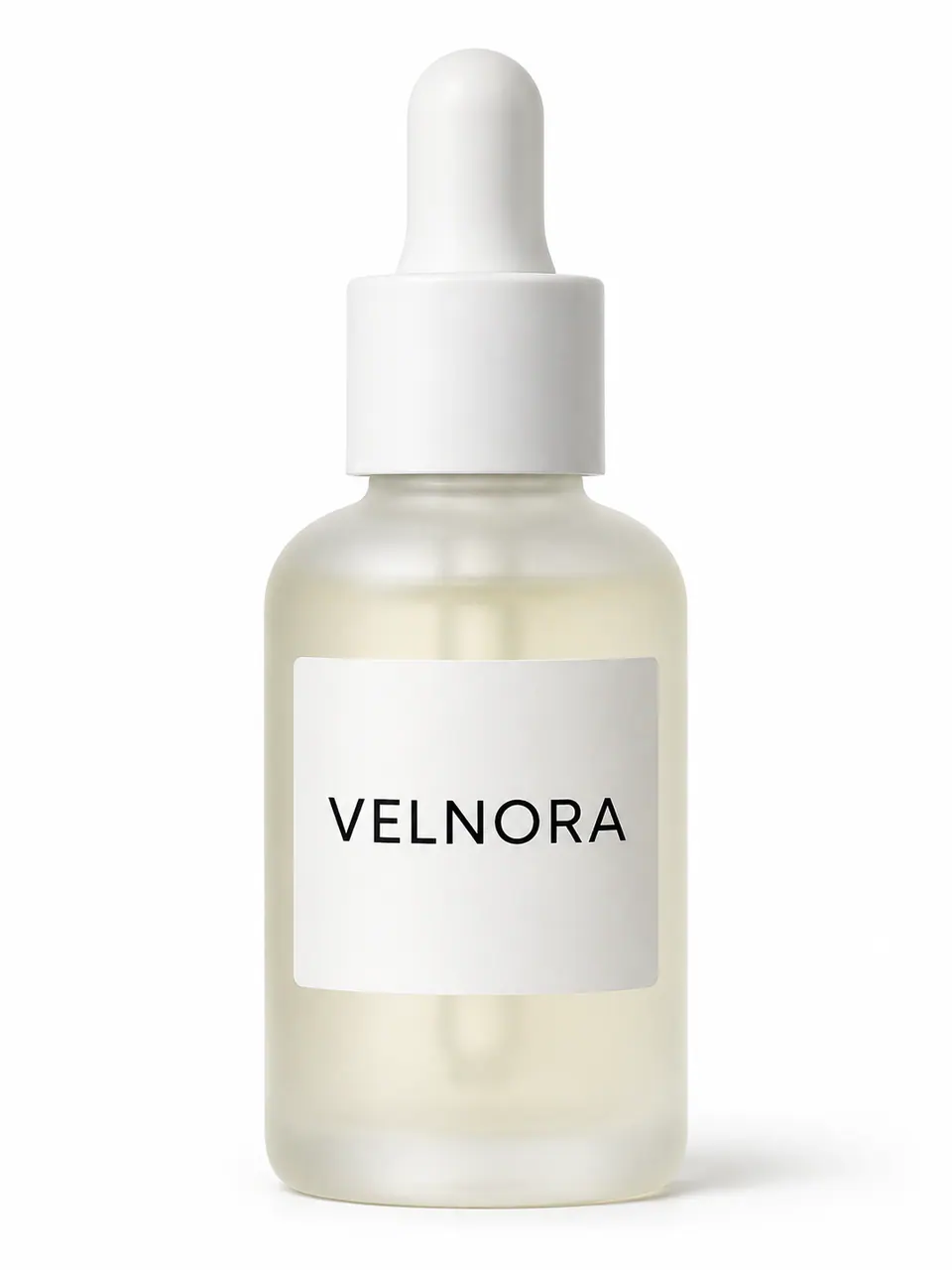 Original
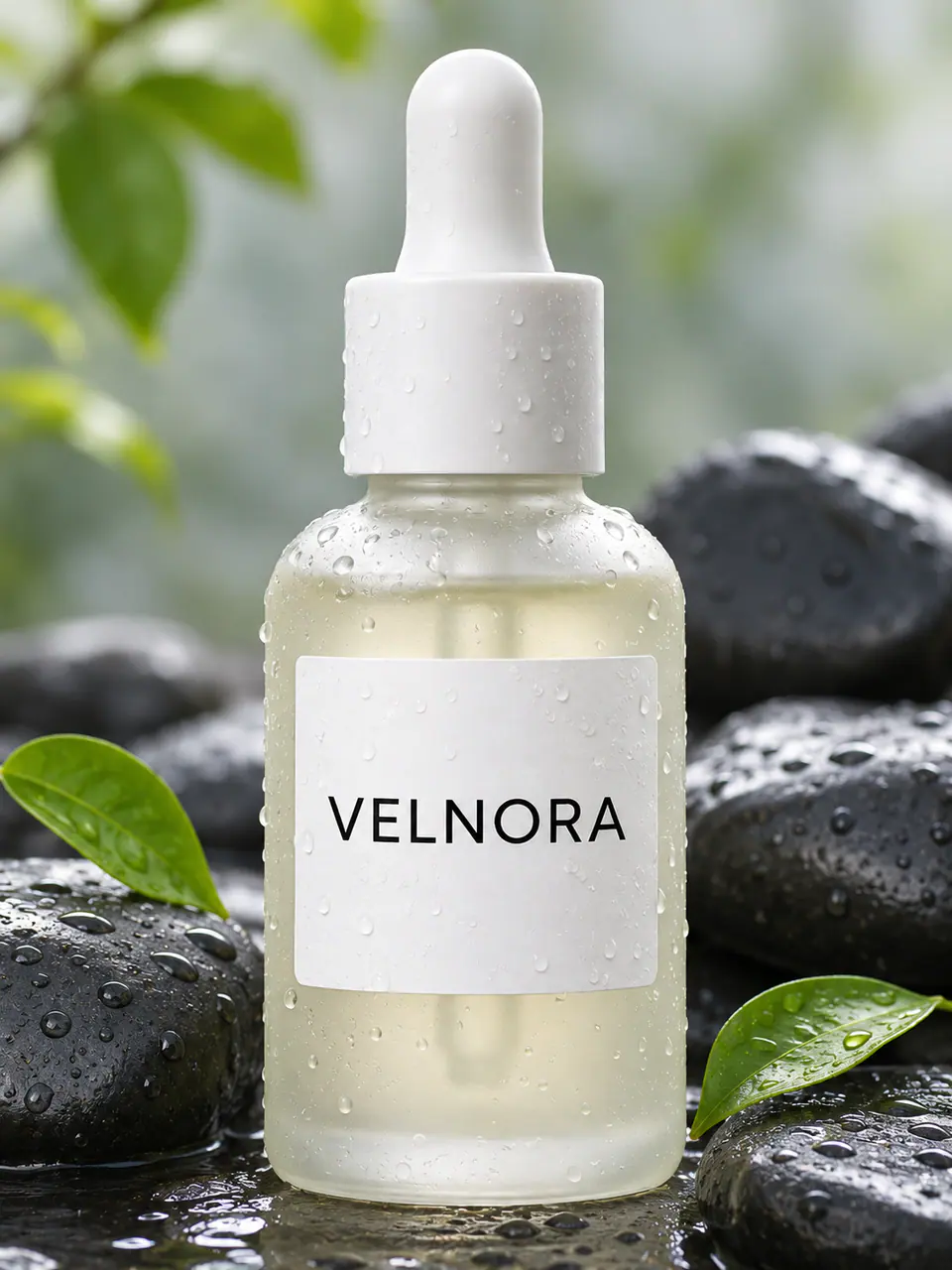 After
 After
Faces, product shapes, and labels are what people notice first. The image to image AI models on AnyVisual are made for editing and follow instructions such as "keep the label unchanged." For the best results, say clearly what should stay the same.
 v2
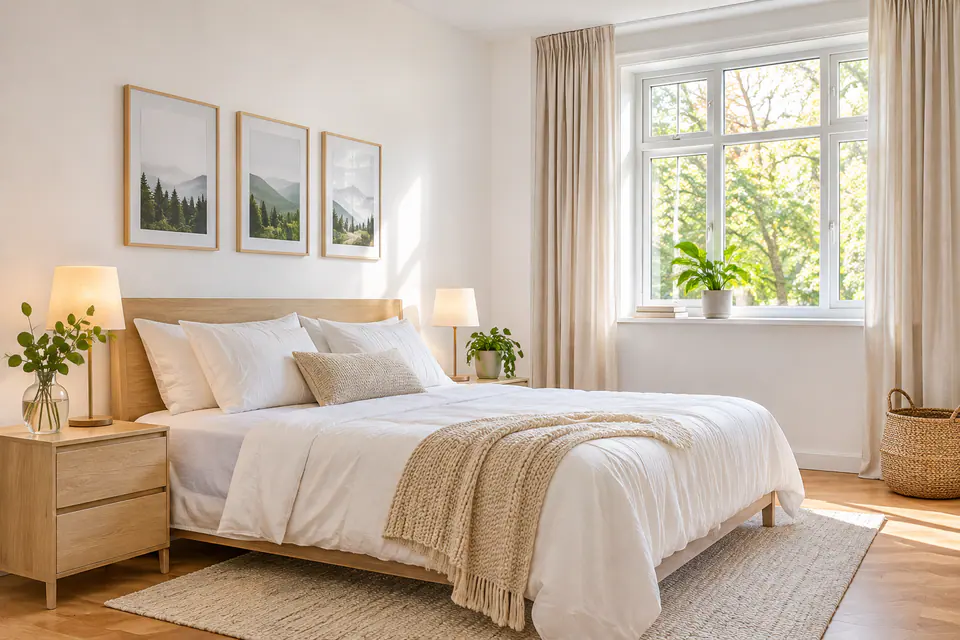
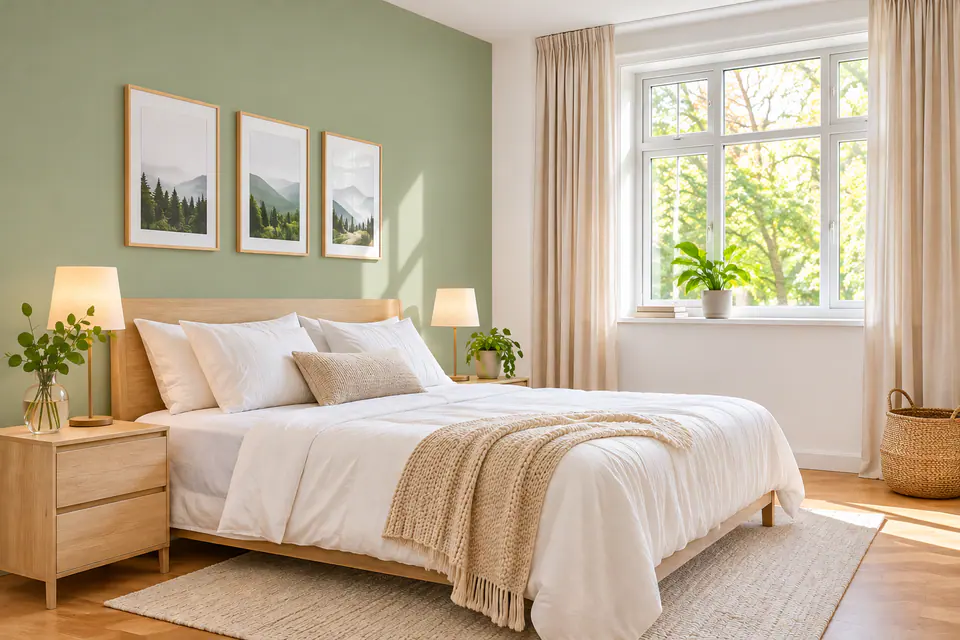
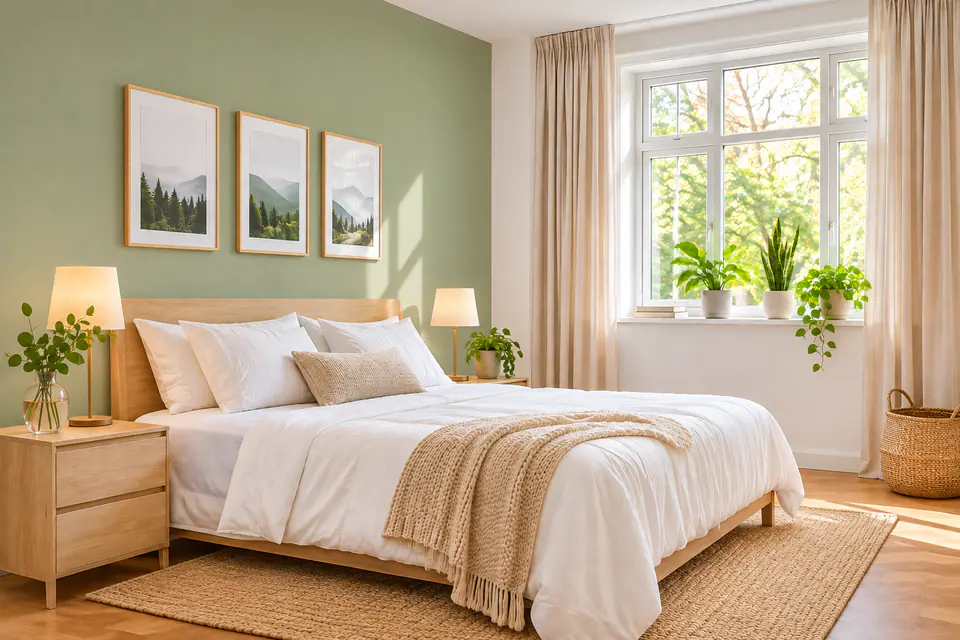
Click Edit this to use any result as the starting point for your next change. Each step is saved as a version, so you can change the wall color, add plants, and adjust the light, then still view or download any earlier version.
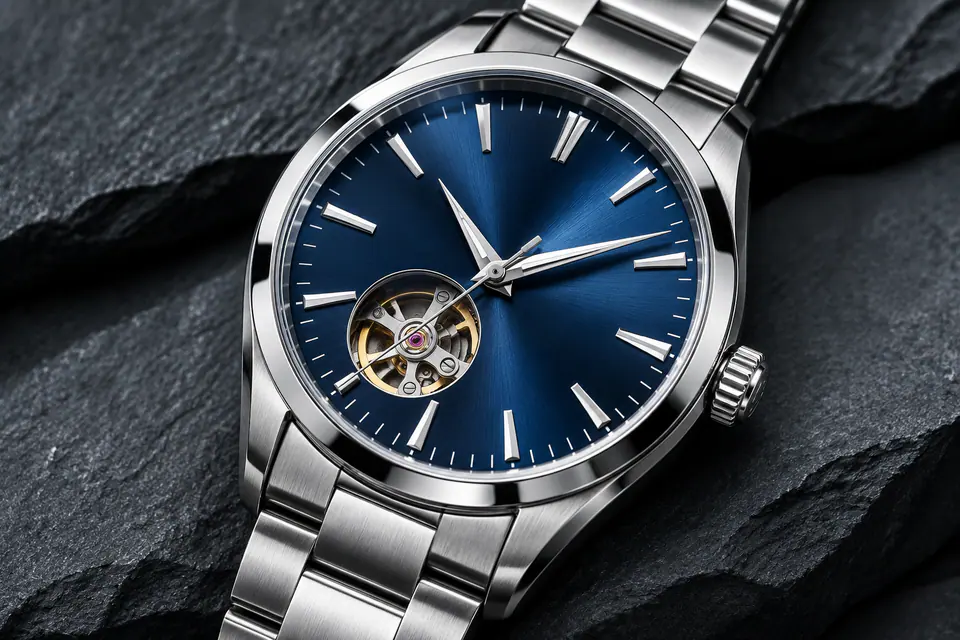 Detail
Paid plans can create images at up to 4K and use them for commercial work. Images made with the free sign-up credits are for personal use. Your uploads and results stay private to your account.
AnyVisual offers three AI image to image models. The generator shows the credit cost of each one, so you always know the price before you start.
The default model, and the one included in the free credits. It handles everyday AI image to image edits well and costs 2 credits per image at 1K. On paid plans, you can also use it at 2K and 4K.
Credits per image
A high-resolution model that creates 2K or 4K images for 4 credits each. It is a good choice for detailed scenes, prints, and large product images. Available on paid plans.
Credits per image
Our highest-quality model, made for complex edits and images that include text. It costs 9 credits per image at 1K or 2K and 12 credits at 4K. Available on paid plans.
Credits per image
A good image to image AI prompt is short and specific. These five habits make AI image to image results more predictable.
Start with the change. Put the main edit first, for example "Change the jacket to red leather."
Say what stays. Add "keep her face and pose the same" when the subject matters.
Describe light and mood. Words like "golden hour," "soft studio light," or "rainy night" change the whole feel of an image.
Name the style precisely. "1980s film photo with soft grain" works better than "make it vintage."
Make one big change at a time. Then click Edit this for the next step.
Original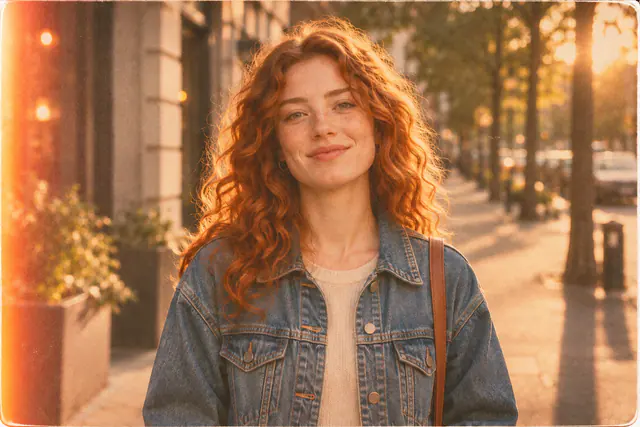
“Make it look like a 1980s film photo: warm faded colors, soft grain and a slight light leak.”
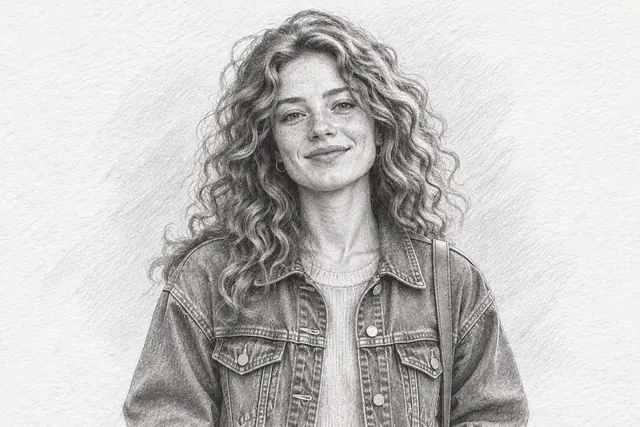
“Turn it into a detailed graphite pencil sketch on textured white paper.”
“Change the scene to a rainy night in a neon-lit city with reflections on the wet street. Keep her face, hair and jacket the same.”
Every new account gets 4 free credits to try AI image to image on 2 images. Plans start at $9.99 a month for 400 credits, about 200 images with Nano Banana 2.1 at 1K. Failed generations return your credits automatically.
$9.99a month
$29.99a month
$99a month
Yes. Every new account gets 4 free credits, which is enough for 2 images with Nano Banana 2.1 at 1K. After that, plans start at $9.99 a month for 400 credits, and you can compare them on the pricing page.
Yes, you need to sign in to generate images. You can sign up with Google or email, and you do not need a credit card to get the free credits.
Start with Nano Banana 2.1 for everyday edits, since it costs the fewest credits. Choose Seedream 4.5 for 2K or 4K detail, and Nano Banana Pro for complex edits or images that include text.
The models are designed to keep the main subject, and they do it best when you ask for it. Add a line such as "keep her face the same" or "keep the label unchanged." If a detail still drifts, click Edit this and ask for a smaller change.
You can upload up to 4 images per edit in JPG, PNG, or WebP format, up to 10 MB each. Clear, well-lit photos with a visible subject work best, while very small or blurry images give weaker results.
Yes. On paid plans, you can use your images for commercial work such as ads, product pages, and social posts. Images made with the free sign-up credits are for personal use only, and the full terms are in our commercial license.
Your uploads and results are private to your account. Uploaded photos are deleted after 30 days, and results are kept for 30 days on the free plan, or for as long as you subscribe plus 30 days on paid plans. Read our privacy policy for details.
AI image to image starts from your photo and changes it, so the subject stays recognizable. Text to image starts only from words and creates a brand-new picture. Try text to image when you do not have a photo yet.
Upload a photo, write one sentence, and let image to image AI create your new version. Your first 2 images are free when you sign up.